Not Zillow. Not Homes.com.
Real-Helper is for the homes you're actually considering —
your short list, all in one place, with everything you know about each one.
Zillow and Homes.com are discovery tools — great for browsing millions of listings. Real-Helper picks up where they leave off.
So keep using whichever search site you like best. Browse it right inside Real-Helper, tap once, and the listing becomes a link on that property's page — alongside your notes, your photos, and everything else you've found. Real-Helper is YOUR organizer.
No sign-up required. Download and start building your short list immediately.
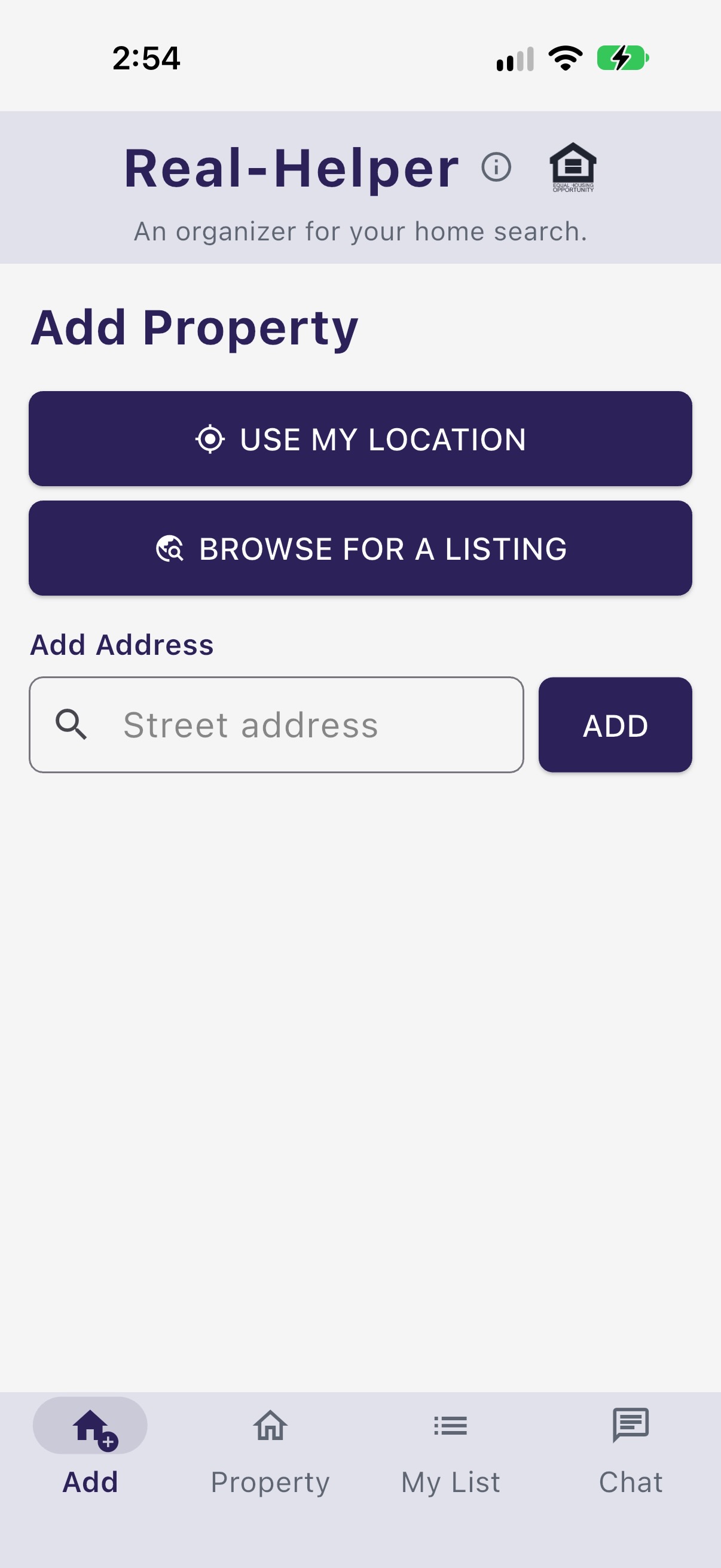
Type an address, or tap "Use My Location" when you're standing outside. Or browse to the listing right inside the app and tap "Use This Page", and the address, beds, baths and price come straight off the page.
Add notes, take photos, and save links — a public listing, a school district page, a neighborhood write-up — everything in one place for that property.
Use rankings, maps, drive times, and property data to make a confident, well-informed decision about which home is right for you.
Every home on your short list gets its own page. Build it up as you go.
At an open house, memories fade fast. Take photos and jot notes on the spot so you remember your personal impressions — not just what is highlighted in the listing.
Found a price you like? Tap the calculator button right next to the offer price and it slides up instantly — no app-switching, no browser tab, no separate tool.
Principal & interest only — excludes taxes, insurance, and HOA. Rates are nationwide averages from the Federal Reserve Bank of St. Louis (FRED).
The browser is built in. Tap + next to Links, search for the listing, the school district, the HOA website — whatever you need — and tap Use This Page. The link is saved and named for you. No copying URLs, no bouncing between apps.
Better still, if it's a property listing, Real-Helper reads the address, beds, baths, square footage and list price off the page while it's open. You can add a whole property that way from the Add tab: browse to it, tap once, and its page is already waiting for you.
Maps, drive times, and Power Rankings are available to every Real-Helper user — no subscription required.
See where your properties are — and what life from each one actually looks like.
See FEMA flood zone designations right on the map — high risk, moderate, and low risk areas color-coded at a glance.
Tap the map to see which school district covers any address. District boundaries overlaid directly on your property map.
See all your properties on a map at once, alongside your saved points of interest — work, schools, family, wherever matters to you.
Enter your regular destinations and get real drive times from every property on your list, side by side.
See exactly how far you can travel from a property in 10, 20, or 30 minutes. Understand a neighborhood's reach at a glance.
Turn your gut feeling into a data-backed decision.
Define what matters — commute, schools, yard, price, neighborhood. Assign weights so the ranking reflects your real priorities.
Score each property on every criterion you've defined. Rate one at a time, at your own pace, as you learn more about each home.
Your ratings and weights combine into a clear, ranked leaderboard. See which property actually comes out on top — and why.
The free version gives you a real taste of the app. When your search heats up, Premium gives you everything.
A real taste of Real-Helper — no commitment, no credit card.
Cancel anytime. No annual plan — you won't need it that long.
Most people are in active house-hunting mode for 2–3 months. You subscribe, you find your home, you cancel. That's it.
There's no annual plan because we don't think you need one. Monthly only — pay for exactly as long as it's useful to you.
Real-Helper now includes built-in chat with your buyer's agent — no texts, no email threads. Just invite your agent from inside the app, they download Real-Helper: Agent (free on the App Store), enter your connection code, and you're linked. Your agent's info appears throughout the app, and you can message each other directly.
Longer pieces on some aspects of house hunting that you may find interesting.
Excel or Google Sheets to put all your house hunting information on one page, with weighted scoring that does the arithmetic.
Get the template ›Zillow is very good at finding houses. It just has nowhere to put your photos, your notes, or your reasons. What Saved Homes really does, and where it falls short.
Read the article ›Drive times from every house to every place you actually go, travel-time zones, flood maps and school districts. How it compares with the maps in Zillow, Google and Apple.
Read the article ›A step-by-step guide to FEMA's own maps, how to read the zone letters, and when flood insurance is actually required. Including the one link that skips the wandering.
Read the article ›